By default a key never expires. It works until you rotate it or delete it, which is the right behaviour for the credential your production system runs on.
Expiration is the opposite choice: a key that stops working on a date you set, whether or not anyone remembers it exists.
Two conditions apply before it is available at all. It is a paid-plan feature — on the free plan the control is visible but fixed at Never expires, with a link to upgrade. And it is owner-only, like everything else that touches keys: an admin in a shared workspace cannot set or clear one. See team roles.
Setting one
An expiry is chosen when a key is issued, which in practice means in the Rotate key dialog:
| Option | |
|---|---|
| Never expires | The default |
| 7 days | A demo, a trial integration, a debugging session |
| 30 days | A contractor engagement, a short project |
| 90 days | A quarterly rotation cadence |
| 6 months | |
| 1 year | A compliance-driven annual rotation |
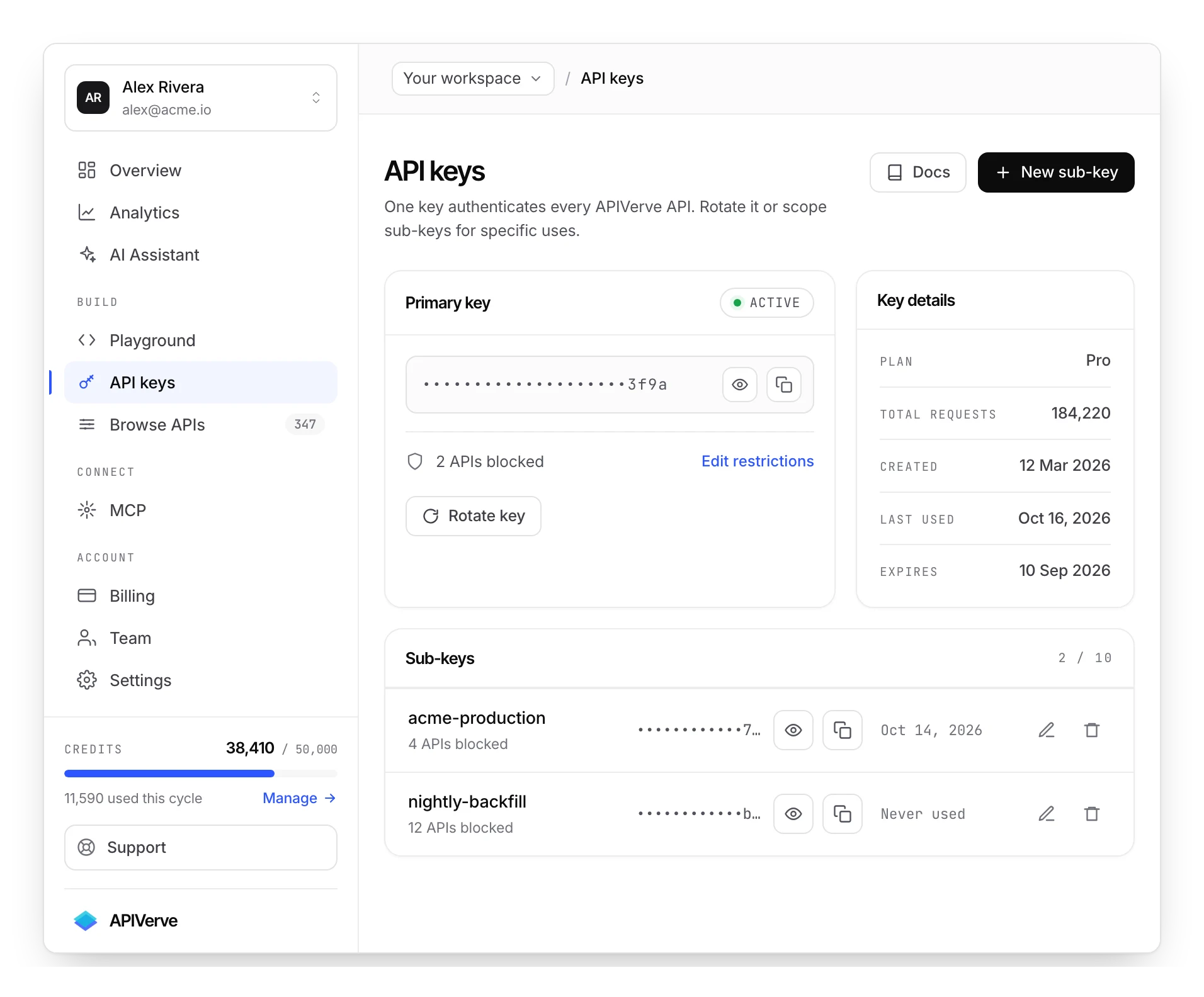
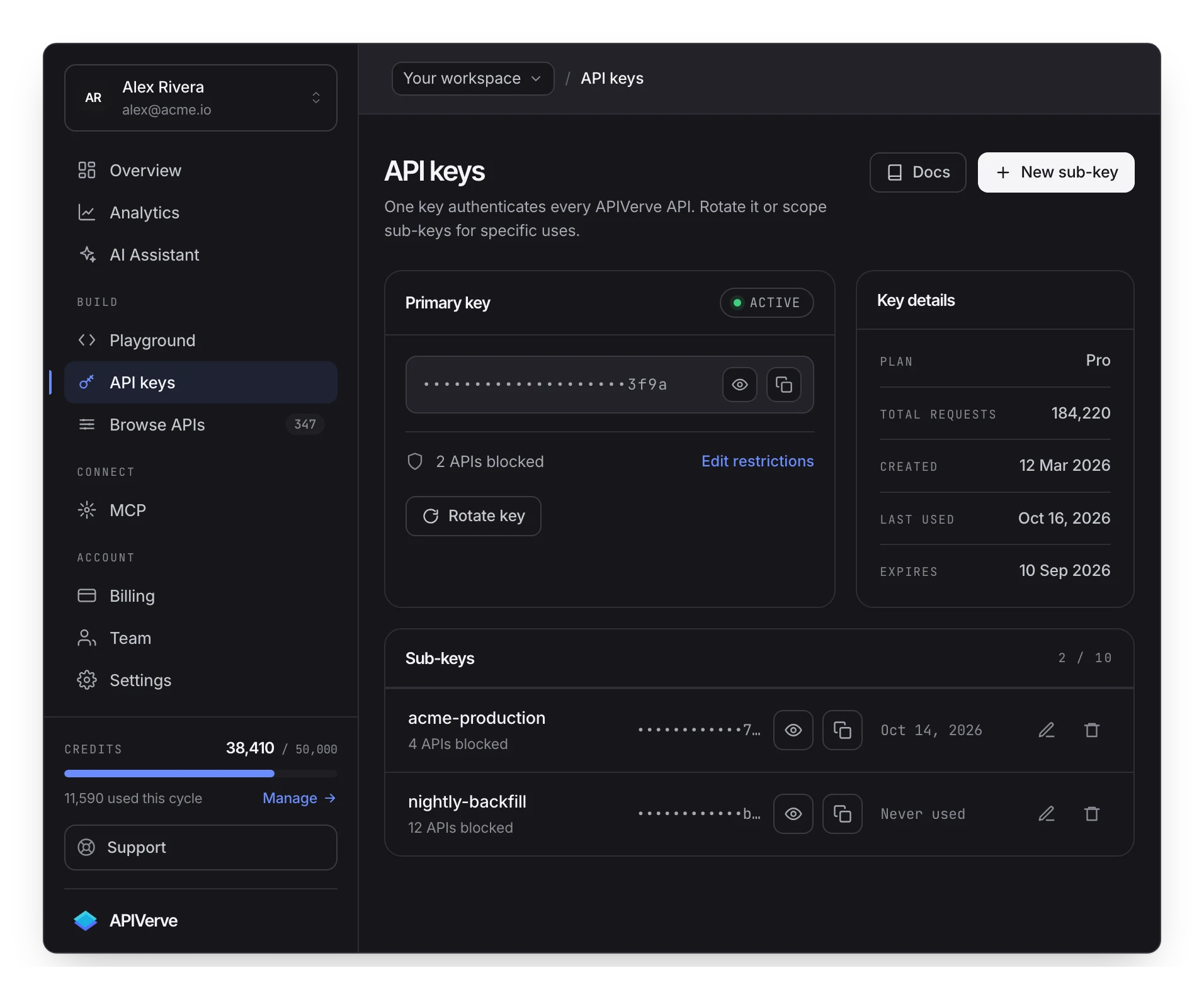
The primary key's card shows the expiry date under Expires, alongside when the key was created and when it was last used. Never is a valid and common answer there.
What an expired key does
Nothing gradual. Past the date, every request is refused:
{
  "status": "error",
  "error": "API key has expired. Please rotate your key in the dashboard.",
  "data": null
}
That is a 401 — the same status class as a missing or invalid key, because an expired key is
exactly that: no longer a credential. The error sentence is what tells you which of the three it
was, which is a good reason to log the body and not just the status. See
error handling.
There is no warning window and no read-only period. The key works, and then it does not.
Nothing renews a key for you. If the key with a 90-day expiry is the one your production system uses, day 90 is an incident with your name on it. Put the date in the same calendar your team actually watches, and rotate a few days early.
Where expiry earns its place
The honest framing: an expiry is excellent for keys that should die and dangerous for keys that should not.
Give an expiry to:
- A key handed to a contractor or an agency for a fixed engagement. The engagement ends whether or not anyone remembers the offboarding checklist.
- A key issued for a proof of concept, a demo environment or a bug reproduction.
- A key in a place you cannot easily audit — a partner's system, a customer's server.
- Any key issued under a policy that requires periodic rotation, where the expiry is what makes the policy real rather than aspirational.
Do not give an expiry to:
- The key your production traffic depends on, unless you have a rotation process that runs reliably ahead of the date and an alert that fires before it.
The distinction is whether the failure mode — the key stopping — is the intended outcome or the worst outcome.
Expiry applies to the primary key only
This is the constraint that decides how the feature is usable, and it is easy to assume otherwise.
Sub-keys do not expire. There is no duration field on one. The expiry belongs to the primary key, set when that key is issued.
And the primary key's expiry takes sub-keys with it. A call made with a sub-key is checked
against its parent, so when the primary key lapses every sub-key on the account starts returning
the same 401 — even though nothing about those sub-keys changed. An expiry is therefore an
account-wide event, not a per-consumer one.
So the pairing to reach for is the other way round from what you might expect: use sub-keys for revocation that is targeted, and an expiry for retirement that is total. A contractor's key is best handled by a scoped sub-key you delete on the last day of the engagement, not by an expiry — because there is no expiry to give it, and the one available would end everything else at the same time.
Where an expiry genuinely fits is the account that exists for a bounded purpose: a demo tenant, a trial integration, an evaluation account that should stop working when the evaluation does.
Recovering from an expired key
Straightforward, and the same as any rotation:
- Rotate the key in the dashboard. The new key is live immediately.
- Choose the new expiry — including Never, if the previous one was a mistake.
- Redeploy everything holding the old value.
Nothing is lost. Your credits, your usage history and your key's restrictions belong to the account rather than to the string, so the replacement picks up where the old key left off.
Changing the expiry on a key you already have
There is no separate "change expiry" control. The expiry is chosen when the key is issued, so changing it means rotating — which produces a new key value with the new setting, and the same instant cutover as any other rotation. Plan it the same way.
The practical consequence: pick the duration deliberately the first time. A 7-day expiry you meant as 90 costs you an unplanned rotation a week later.
Expiry as a compliance answer
Periodic credential rotation appears in most security frameworks an organisation is likely to be audited against, usually as "rotate on a defined interval" rather than a specific number. An expiry is what turns that from a policy document into something the system enforces — the control either fires or it does not, and the audit history on Mega records the rotations with who did them.
Two things it does not do, and it is better to say so than to let an auditor find out: it does not notify anyone before the date, and it does not renew. The process around it is still yours to run.
Checking before it bites
Two places tell you where you stand:
The key card shows the expiry date directly. Worth a look whenever you are on the page for another reason.
The 401 is the last resort, and it is specific enough to diagnose in one read — the error
sentence names expiry rather than invalidity. If you monitor anything about your integration,
monitoring the difference between those two messages costs nothing and turns a confusing outage
into an obvious one.
Next
Rotation is how you replace a key before or after it lapses. Sub-keys are what an expiry is usually best applied to, and key scoping limits what the key can do while it is still valid.